Get in touch

AIR · OPERATOR CONSOLE

Operate your agents, live.

Air is the console for Kheish, the lab’s persistent agent runtime. Follow every run as it happens, answer the questions agents ask, approve what they want to run, and manage the stacks, schedules and channels around them.

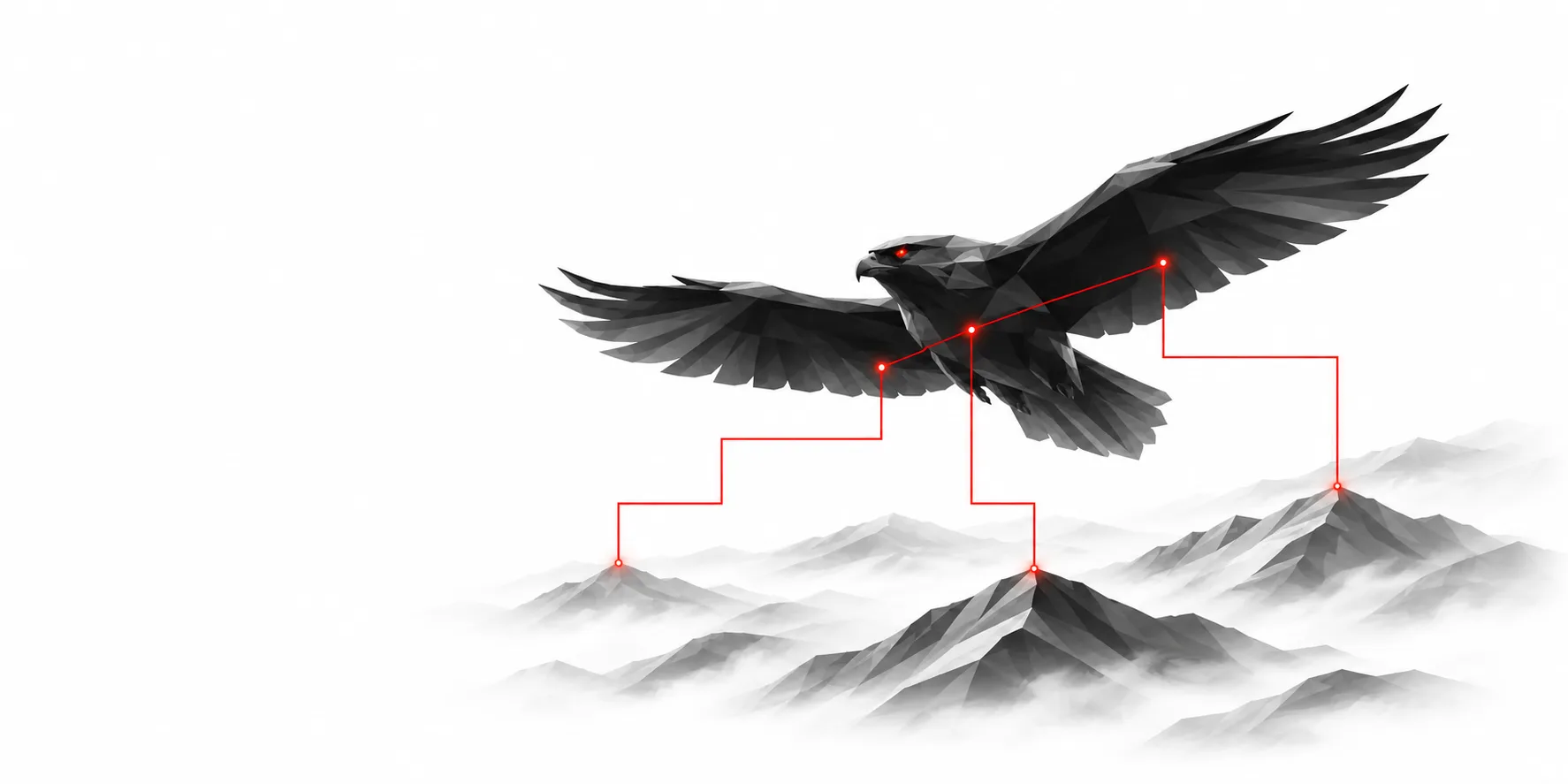
A black faceted eagle glides above a misty range; thin red lines rise to it from three glowing peaks below.Open the full-size screen
What waits on you, seen from above: every call that needs a human comes up to one place.

Illustrations from the lab’s image generator, in the house style.

  • Liveruns, sessions and the inbox, as they happen
  • 2ways an agent waits on you: an approval or a question
  • 14areas in one console, from the inbox to the runtime

THE TOUR

Where agents and people meet.

INBOX

Everything that waits on a human.

When an agent wants to run a command or needs an answer, its run pauses and lands in the inbox. Approve, deny or answer from the list, with the request in full.

  • Approvals show the tool and its exact arguments
  • Questions come with their options and an expiry
  • Keys to approve, deny and answer

SESSIONS

Agents that keep their context.

A session is a long-lived agent on the daemon, with its permission mode and, when it comes from a stack, its persona. Air lists the ones that need you first, then the latest activity.

  • Filter by persona, stack or permission mode
  • The last ten runs of each at a glance
  • Build a new one in the Playground

CONVERSATION

Talk to an agent, with everything it holds.

Open a session to talk to its agent. Answers read as formatted text, with tables and lists, and the side panel keeps its route, permission mode, stack, goal and tasks in view.

  • Tables, lists and code, formatted as they come
  • Runs, agents, memory, capabilities and journal one click away
  • Open sessions stay as tabs at the top

CHANNELS

Agents and people in the same room.

A channel reads like a messaging app. People and agents share it, a mention chooses who answers, and each answer stays in its thread, linked to the run that produced it.

  • Mention a member to choose who answers
  • Replies kept in threads
  • Every agent reply links to its run

RUNS

Every run, as it happens.

Runs come in at the top as they start. Filter by state, session or origin, and see how long each one took, how long it waited on you and the tasks it created.

  • Queued, running, waiting, completed, failed
  • Where it came from: API, schedule or channel
  • The tasks each run created

Many agents, one line of sight.

Kheish runs agents independently of any interface: they keep working when the browser closes. Air is where you look to know what they did, and where you step in when they need you.

ALSO IN AIR

The whole runtime, from one place.

  • Stacks

    Agents declared as code: personas, sessions and their scopes.

  • Schedules

    Runs that start on their own, with the next one in view on each session.

  • Playground

    Try a request, then turn it into a session or a stack.

  • Library

    Personas, skills and what agents learned, with a review queue before it is kept.

  • People

    Accounts and groups: who owns a session, and who may use which agent and what it can reach.

  • Runtime

    What the agents can reach, the secrets they use and the rules they follow.

See your agents at work.

Air and Kheish are built in the lab. Talk to us to see them on your own workloads.